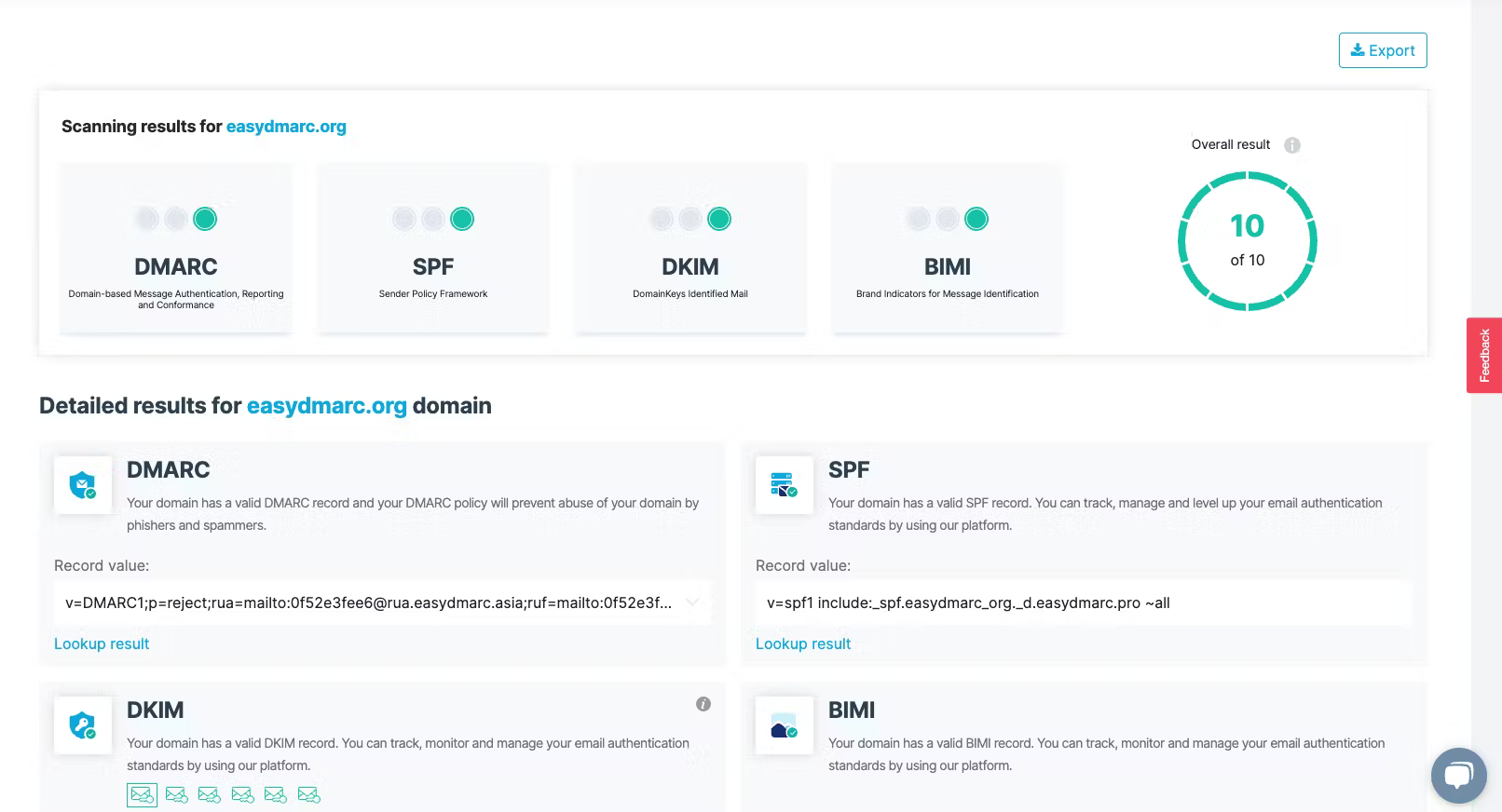
We found the feature set in EasyDMARC to be focused heavily on automation and managed services. The platform includes tools for DMARC, SPF, and DKIM management, alongside more niche features like Managed BIMI and MTA-STS. Their failure reports (RUF) and subdomain detection provide good visibility for teams trying to identify where unauthorized mail originates across a large infrastructure.
The enterprise level features include reputation monitoring and API access, though these are gated behind custom pricing. We noticed that while the tool covers the basics well, some of the more advanced analytics require moving up through several paid tiers. The inclusion of an email investigation tool and phishing URL checks adds a layer of security analysis that goes beyond simple DMARC reporting.
How easy is this product to use
User experience
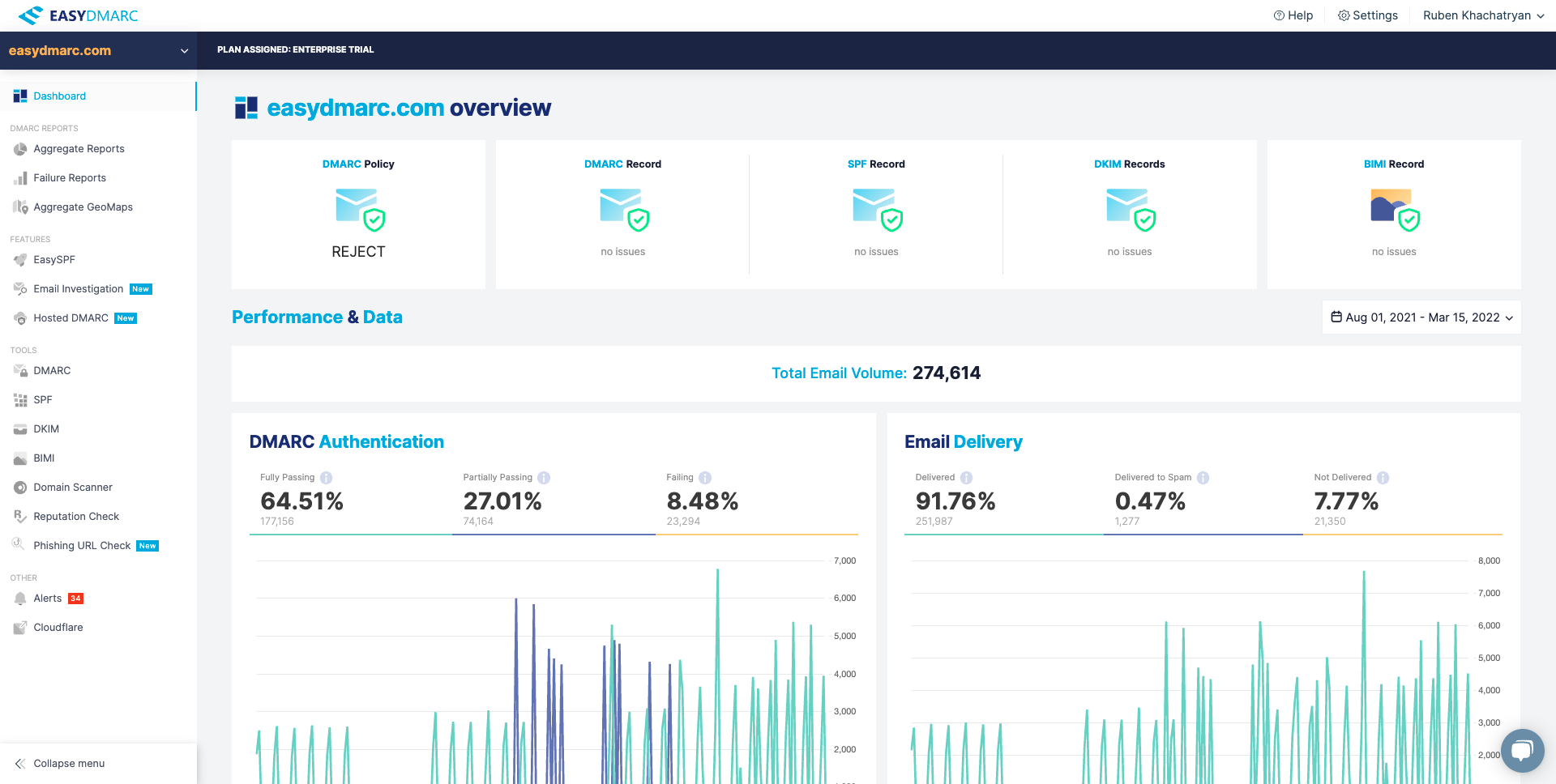
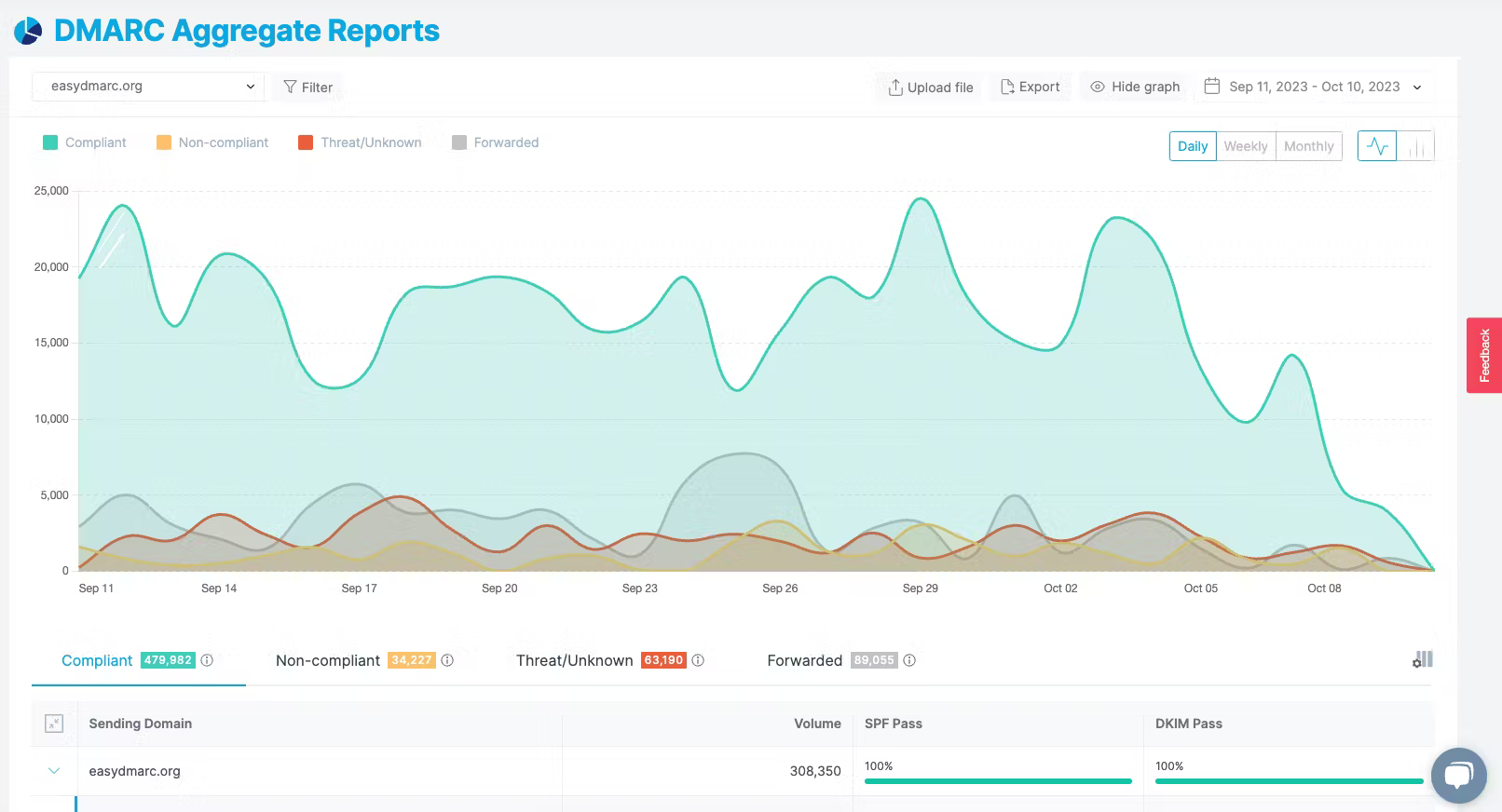
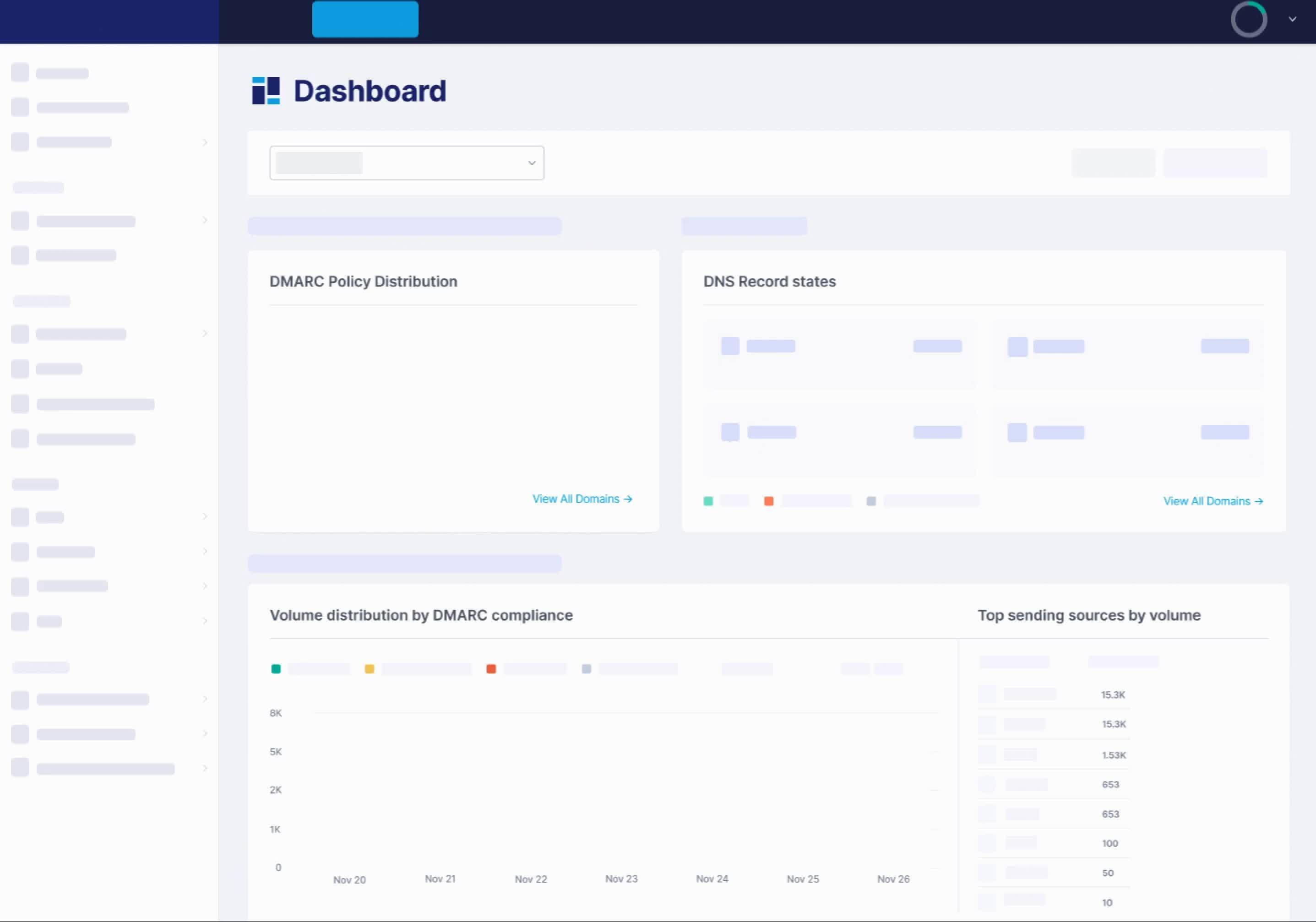
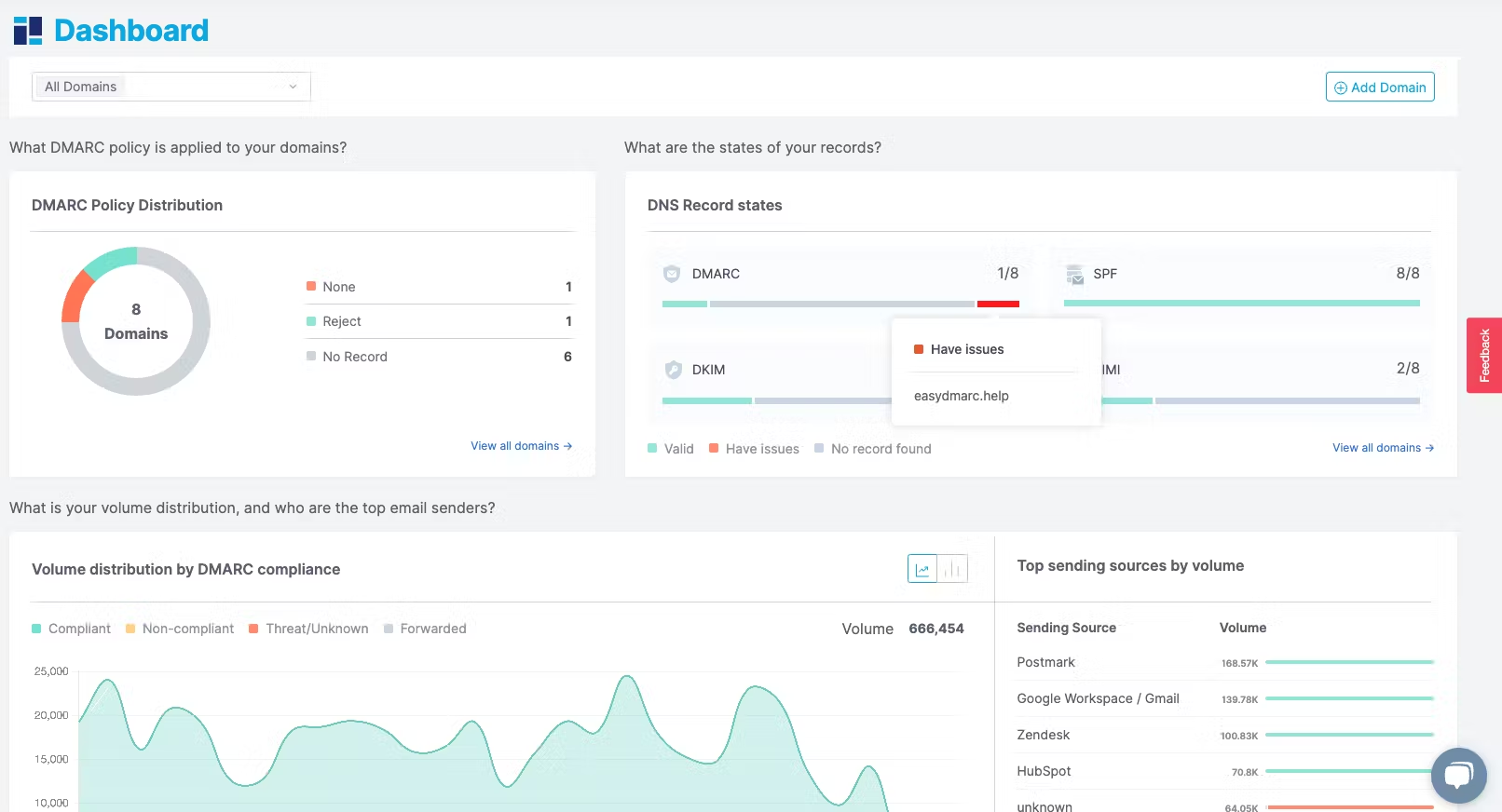
In our testing, the interface felt clean and relatively modern, though some users report it can feel a bit basic. The initial setup process is highly automated, which is a relief for those who find DNS records a bit like a dark art. The dashboards provide clear visuals that make it easy to present data to non technical stakeholders or committees.
However, we did encounter some friction when handling large volumes of data. The initial flood of DMARC information can be overwhelming until you spend time setting up specific filters and groupings. We also noted that the platform requires moving your DNS hosting to EasyDMARC for some of its managed features to work, which might be a dealbreaker for teams who prefer to keep their DNS records where they are.
How good is the support
Support
The support experience varies significantly depending on your plan. On the higher tiers, we found the response times to be quick, and the inclusion of a Dedicated Customer Success Manager for annual premium subscribers is a nice touch. They are generally helpful with the technical nuances of SPF and DKIM configuration.
On the lower tiers, support is more limited. We noticed that direct person to person contact can be difficult to establish for some users. While there is a good library of documentation, those on the free or entry level plans might find themselves relying more on self service than on a dedicated support engineer.
Who should use this product
Suitability
EasyDMARC is a strong contender for MSPs. Their partner program includes multi tenant platforms and white label reporting, which are essential for managing multiple clients from a single pane of glass. For SMBs, the free tier and lower priced plans provide a relatively low barrier to entry, provided your email volume stays within their limits.
For large enterprises, the platform scales well, but the costs can add up quickly as you add more domains and increase email volume. The requirement for custom enterprise quotes for unlimited volume suggests they are ready for big players, but it lacks the transparency of flat rate pricing. Overall, it is a versatile tool that fits most business sizes, though it shines brightest for those who want a managed approach.
The main drawbacks we identified include a restrictive domain cap on most paid plans and the requirement to host DNS records with them for full automation. Some users also report the interface can be slow when processing data and the filtering system lacks consistency.
We have pulled the average ratings from G2 for EasyDMARC, and also included the most recent negative reviews for EasyDMARC in full. Positive reviews tend to have less detail and have a higher chance of being fraudulent, so negative reviews are a better signal for your decision.
4.8 / 5(20)
EasyDMARC
Slow and untrustworthy
0.0 / 5
What do you like best about EasyDMARC?
It does most what we need it, which has enabled the Group to implement effective DMARC policies and monitor accordingly.
What do you dislike about EasyDMARC?
The interface is slow, exported output data cannot be trusted, the filters work inconsistently. It's a monitoring platform that cannot consistently be trusted....
Verified User in Insurance
G2 Review
EasyDMARC
support is not good enough especially with the inability to connect to any person
3.5 / 5
What do you like best about EasyDMARC?
It's good to see the reports of what is happening with the mail flow.
What do you dislike about EasyDMARC?
Lack of direct support contact. IT appears that no person to person is available.
Verified User in Non-Profit Organization Management
G2 Review
EasyDMARC
Good Product Easy to setup
4.0 / 5
What do you like best about EasyDMARC?
Easy to work with and very helpful is you have issues
What do you dislike about EasyDMARC?
Nothing that I can think of. It works as expected.
Verified User in Banking
G2 Review
EasyDMARC
EasyDMARC: A Great Tool for Tackling Phishing and Spam at Scale
4.0 / 5
What do you like best about EasyDMARC?
I feel EasyDMARC is great tool to have for cybersecurity concerns it is very helpful in dealing with phishing and spams at scale
What do you dislike about EasyDMARC?
the reporting and blocking experience can be made better and the ui can be made more user friendly
Ritu R.
Associate Consultant Mid-Market
EasyDMARC
Simple
4.0 / 5
What do you like best about EasyDMARC?
It is very simple to implement and there is great setup support.
What do you dislike about EasyDMARC?
So far, there is nothing I dislike about this product.
Verified User in Telecommunications
G2 Review
EasyDMARC
Using it more as a prospecting tool than anything
4.0 / 5
What do you like best about EasyDMARC?
It's easy to use and navigate. Useful as a prospecting tool for clients that are having email deliverability issues.
What do you dislike about EasyDMARC?
That I lose control of my DNS records; DNS records need to be hosted at EasyDMARC.
Verified User in Computer & Network Security
G2 Review
Pricing
EasyDMARC uses volume based tiers with domain limits, while Suped offers higher email volumes and fewer restrictions on mid level plans.


 4.8 / 5(20)

